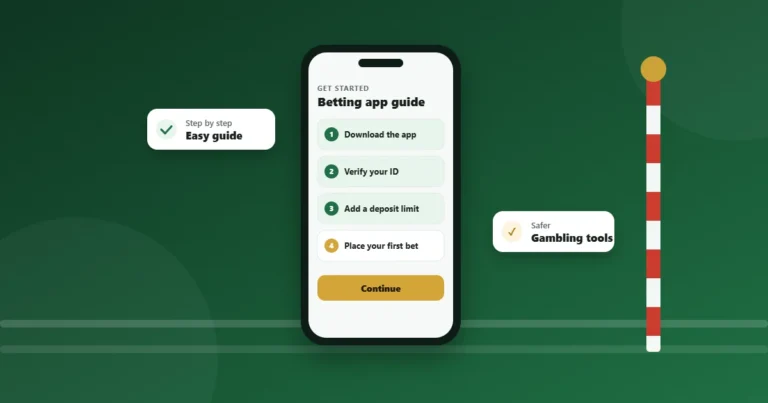
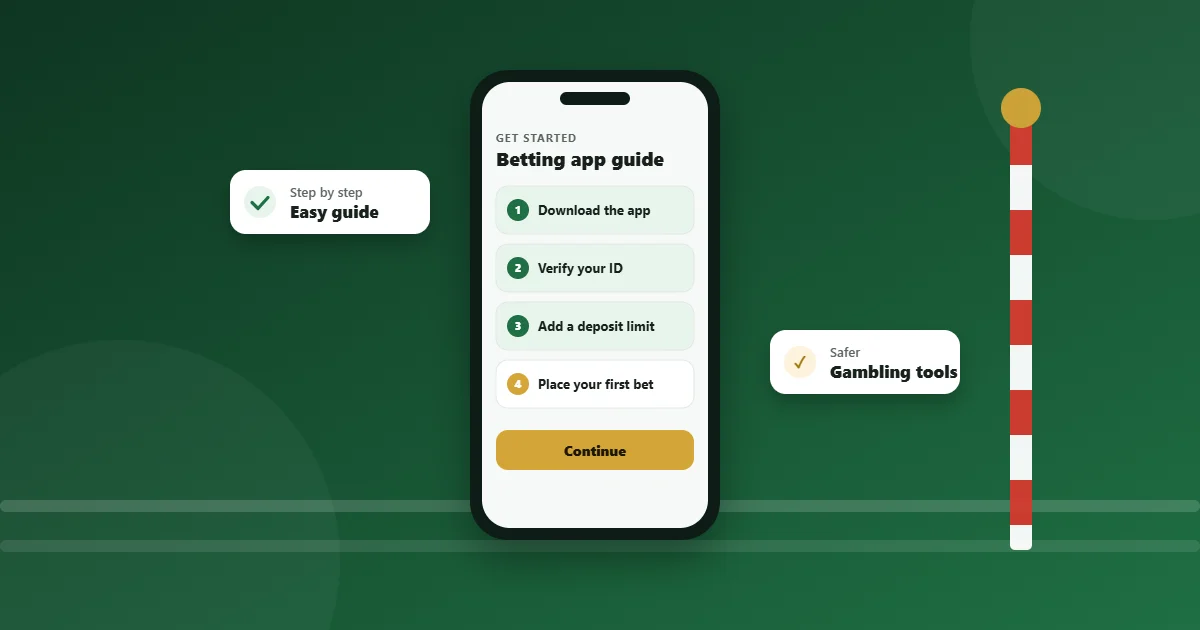
Watching live horse racing on a betting app involves a series of steps, and the specifics can vary depending on the particular app. Here’s a general guideline to get you started:
- Download and Install:
- Ensure your mobile device is compatible with the app you’ve chosen.
- Visit the app store (Apple Store for iOS devices or Google Play for Android devices) and download the betting app.
- Install and open the app.
- Register or Log In:
- If you’re new to the app, you’ll likely need to register an account. This typically involves providing some personal details and setting up login credentials.
- If you already have an account, simply log in using your credentials.
- Deposit Funds:
- Most betting apps require you to have a positive account balance to access live streams.
- Navigate to the deposit or banking section and add funds using your preferred payment method.
- Accessing the Live Stream:
- Locate the ‘live streaming’ or ‘watch live’ section of the app. This might be prominently displayed on the homepage or found under a specific menu or tab.
- Browse the list of available events. Races set to be streamed live will usually have a camera icon or similar indicator.
- Click on the race you’re interested in to open the stream.
- Place a Bet (Optional, but often required):
- Some apps require users to place a bet on a particular race to watch its live stream. The minimum stake can vary, but it’s often a nominal amount.
- If required, navigate to the race, make your selection, specify your stake, and confirm your bet.
- Watch the Race:
- Once you’ve accessed the race stream, watch it in real-time. Ensure you have a stable internet connection for the best viewing experience.
- Additional Features:
- Some apps offer additional features, like race replays, expert commentary, or integrated stats and insights. Explore these options for a richer experience.
- Data Charges:
- Remember that streaming uses a significant amount of data. Ensure you’re aware of any data charges, especially if you’re not on an unlimited data plan or connected to Wi-Fi.
- Logout and Close:
- Once you’re done, it’s a good practice to log out of your account, especially if you’re using a shared device.
- Close the app to save battery and data.
Always ensure you’re using a licensed and regulated betting app, and remember to gamble responsibly.